 mooola
Pay with Google Wallet. Skip the statement import.
Coming soon to Android: get supported Google Wallet payments into mooola without importing a statement. Track your spending, with sharing and splitting payments with friends and family coming soon too.
 Get mooola for Android
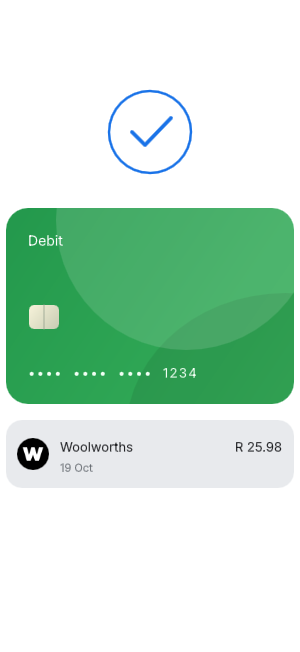
From tap to tracked.
Here’s how it works.
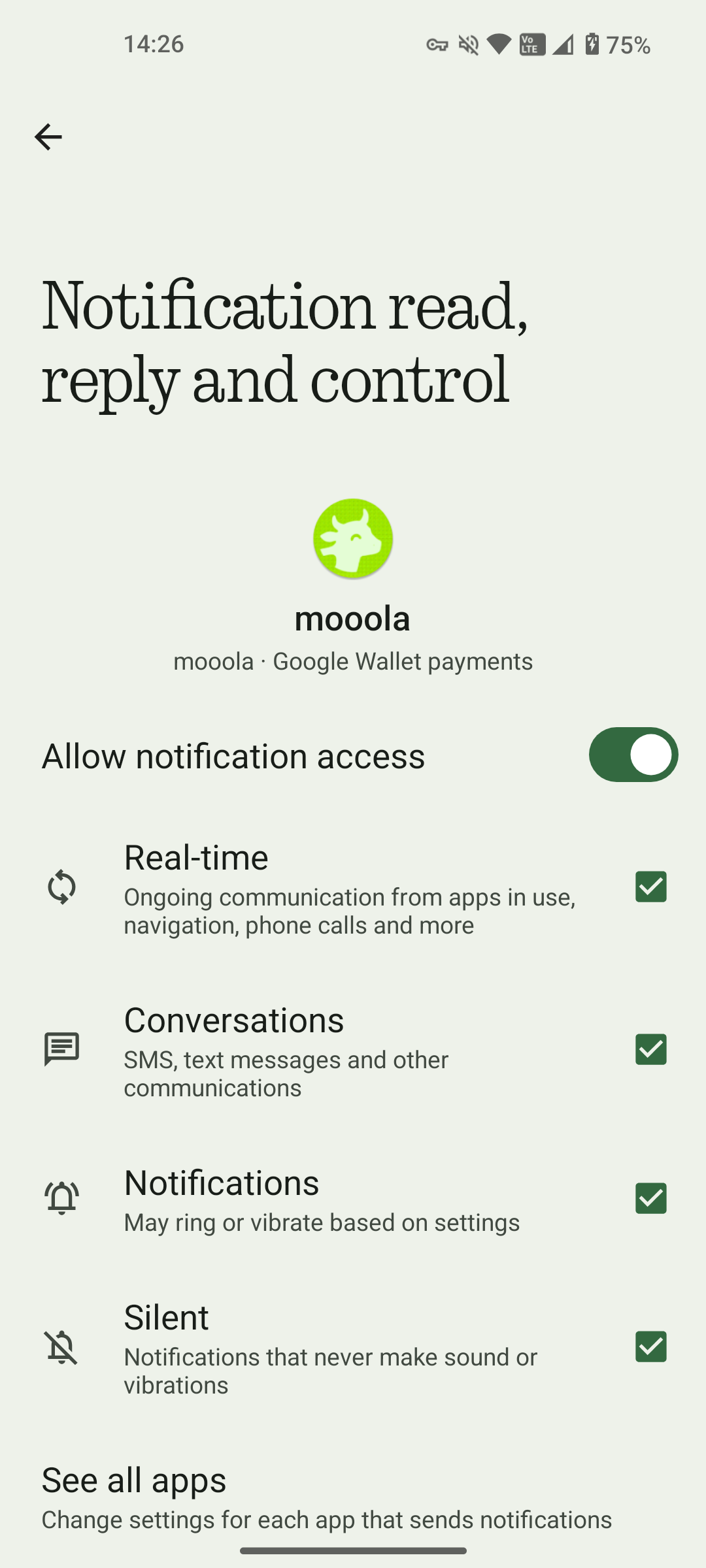
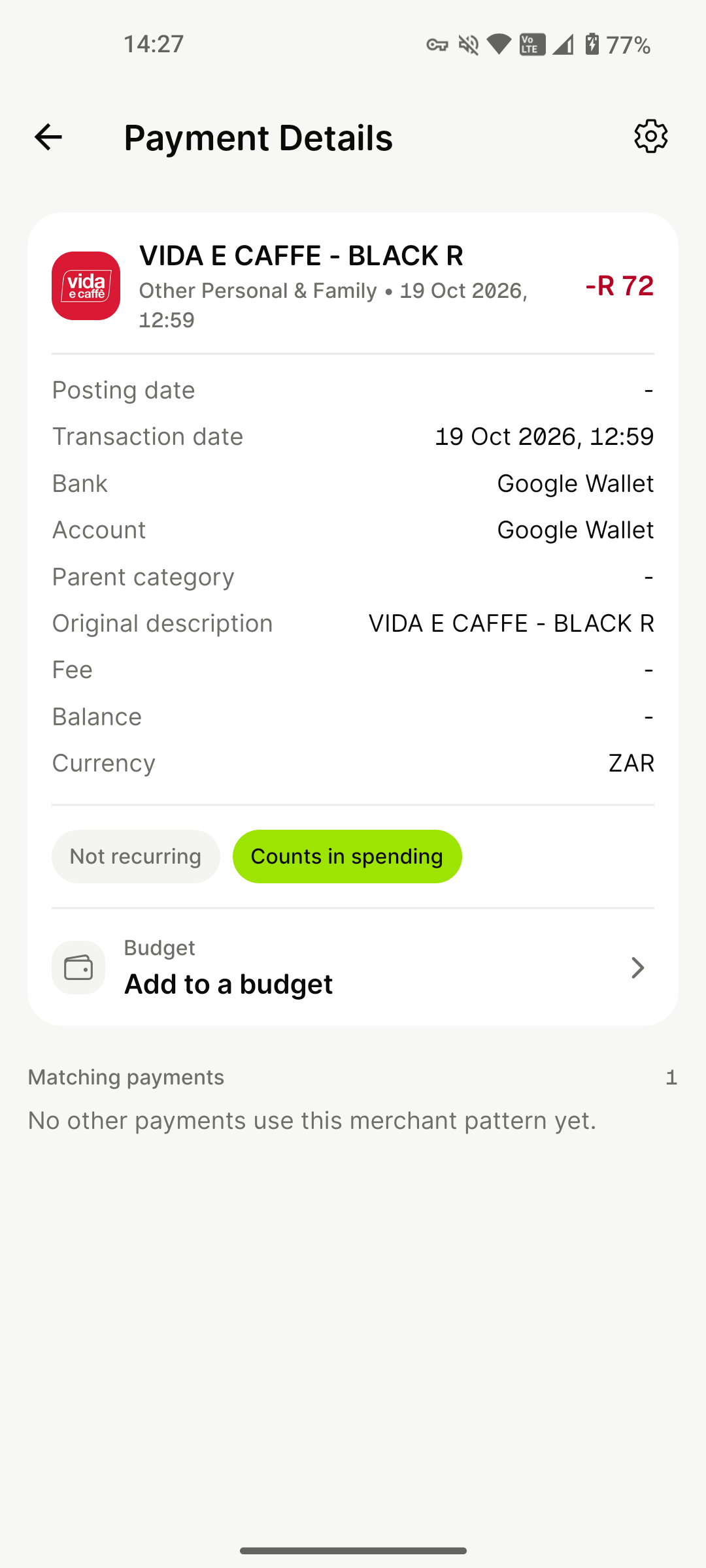
Pay with Google Wallet. With capture enabled, mooola saves the purchase notification locally and adds recognised payments to Expenses when you next open the app.
- New purchases appear under Google Wallet
- No payment details to enter again
- Captured and processed on your Android device
A little setup.
A lot less typing.
Turn on Google Wallet capture in mooola on Android. It starts with new payments, so keep importing statements for your earlier spending.
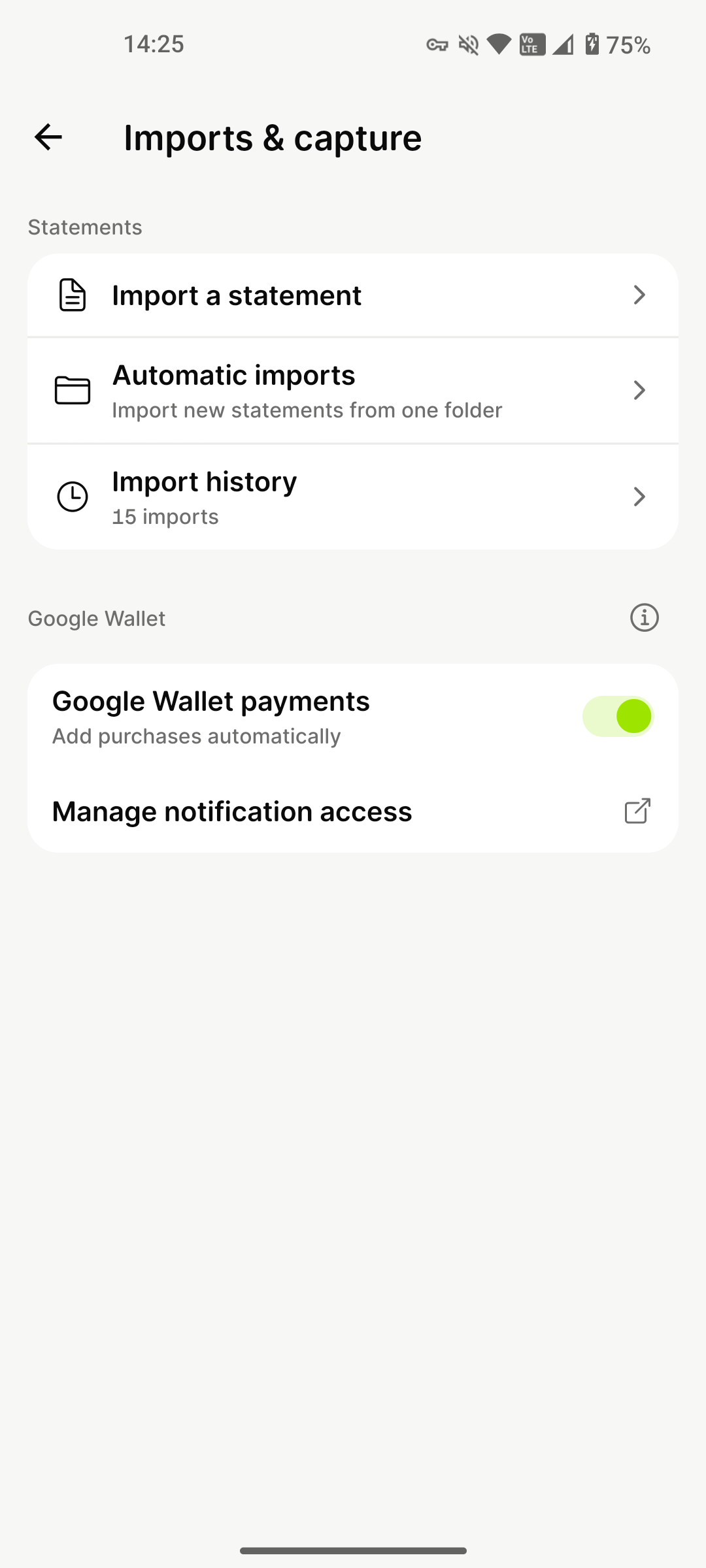
Pay with Wallet.
Share the moment.
Pay with Google Wallet and let mooola pick up the purchase. With capture enabled, recognised payments appear when you next open the app. No statement to import, no details to enter again.
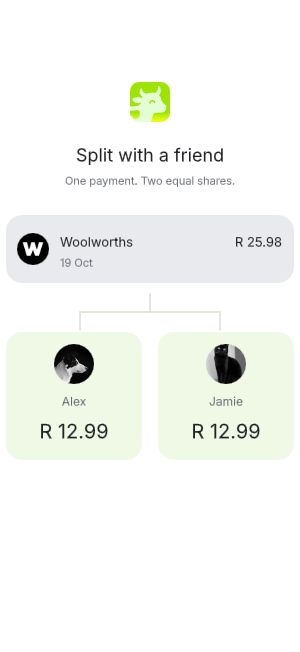
And soon, you’ll be able to choose that payment and split the cost with a friend. From the first tap to everyone’s share, all in mooola.
Explore shared paymentsA little more
about Wallet capture.
What gets imported, what stays local and how it works on Android.