 mooola
How to read a South African bank statement
Use the opening and closing balances to check the statement, interpret each transaction row, and avoid confusing a statement with a confirmation letter or proof of payment.
Read the statement guideChoose your bank to export the right file, import it into mooola, and troubleshoot common format problems without sharing a real statement.

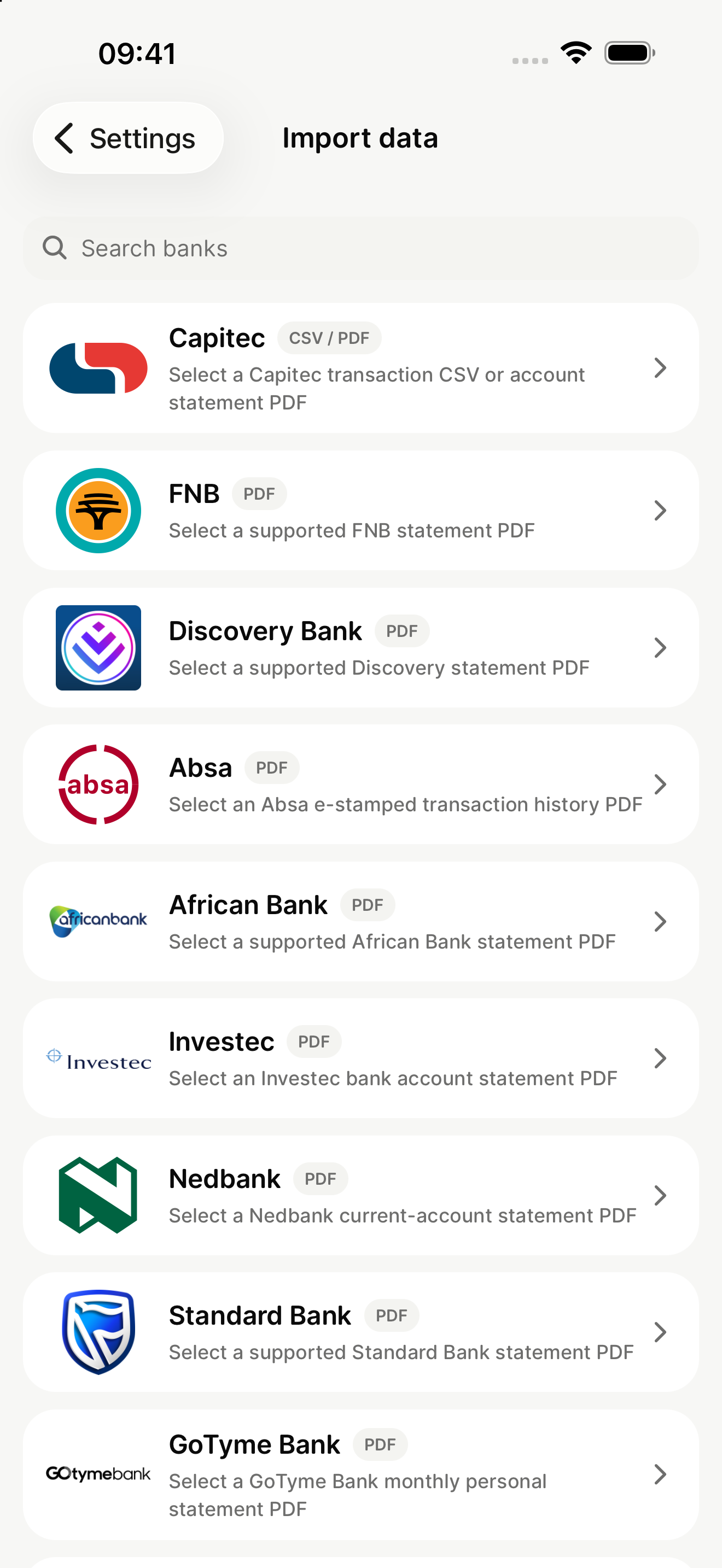
Use the opening and closing balances to check the statement, interpret each transaction row, and avoid confusing a statement with a confirmation letter or proof of payment.
Read the statement guideChoose the right stamped statement, home-loan or credit-card statement, confirmation letter, tax certificate, proof of payment, or emailed eStatement.
Choose the right Absa documentA statement can expose identity, account, balance, income, purchase, and location information. Import it directly and never post the document in a public support channel.
Read the privacy guide
Use a supported original account-statement PDF or transaction CSV from Capitec.
Read the Capitec guide
Use a supported original e-stamped transaction history PDF with selectable text.
Read the Absa guide
Use a supported original digital transaction statement PDF with selectable text.
Read the African Bank guide
Use a supported certified digital or transaction-account statement PDF.
Read the Discovery Bank guide
Use a supported digital RAND transaction statement or selected enterprise PDF.
Read the FNB guide
Use a supported original digital monthly personal statement PDF with selectable text.
Read the GoTyme Bank guide
Use a supported original digital bank account statement PDF with selectable text.
Read the Investec guide
Use a supported original current-account statement or tax-invoice PDF.
Read the Nedbank guide
Use a supported digital three-month or legacy transaction statement PDF.
Read the Standard Bank guide
Use a supported original PDF for the Woolworths credit card managed by Absa.
Read the Woolworths guide
Early-access format for selected single-currency or jar statement csv exports.
Read the Wise guide
Early-access format for selected account-statement csv exports with transaction category and currency fields.
Read the Monzo guide
Early-access format for selected standard or certified statement csv exports.
Read the Starling guide
Early-access format for selected english-language account-activity csv exports from the n26 webapp.
Read the N26 guide
Early-access format for selected netbank transaction csv exports containing date, signed amount, details, and balance.
Read the Commonwealth Bank guide
Supported format for corporate online previous-day closing-balances-and-transactions csv exports.
Read the Westpac guideUse the bank’s app or online banking service. Do not print and rescan the document or copy its transactions into another file.
Use the original PDF or CSV named in your bank's guide. PDFs must be digital documents with selectable text, and CSV exports should stay unchanged.
Import it directly on your device. Never post a real statement, account number, transaction history, or balance in Discord or an email.
Download mooola, then follow the guide for your bank.