mooola
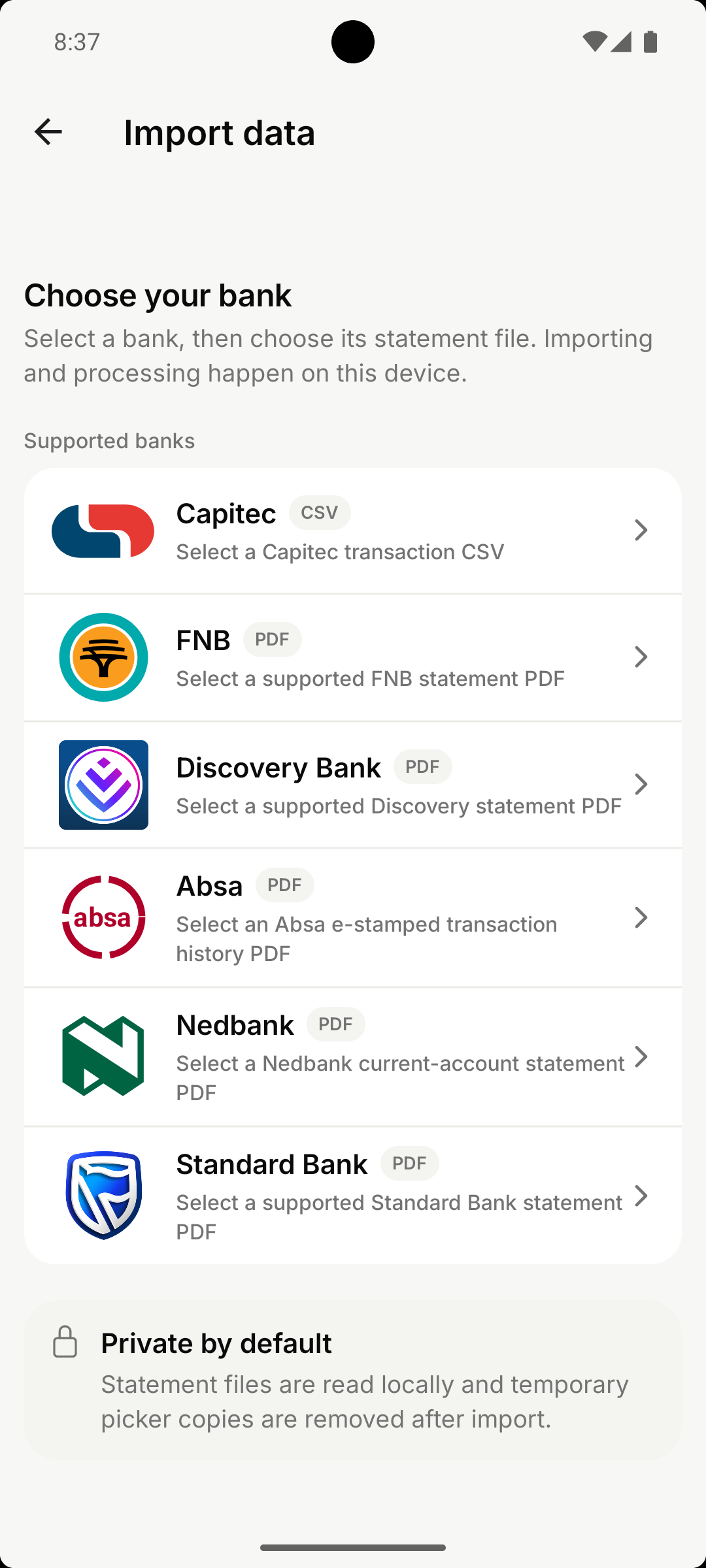
Choose your bank
Open Import data and select your bank. mooola shows the supported statement format for each bank so you can confirm that you have the right document before importing it.
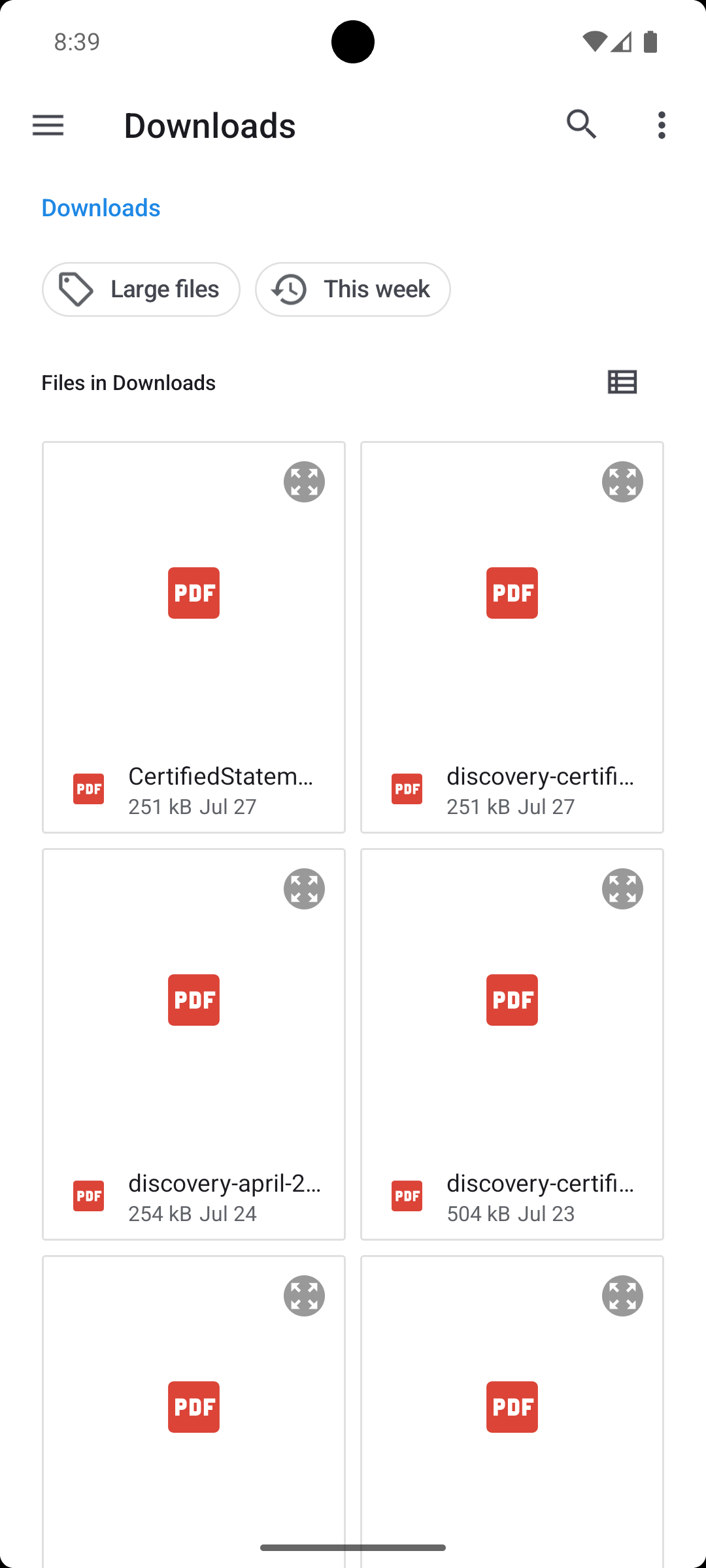
Choose your statement
Select the original supported PDF or CSV you downloaded from your bank. Capitec supports selected account-statement PDFs as well as the original transaction CSV. Screenshots, scans, and converted files are not supported.
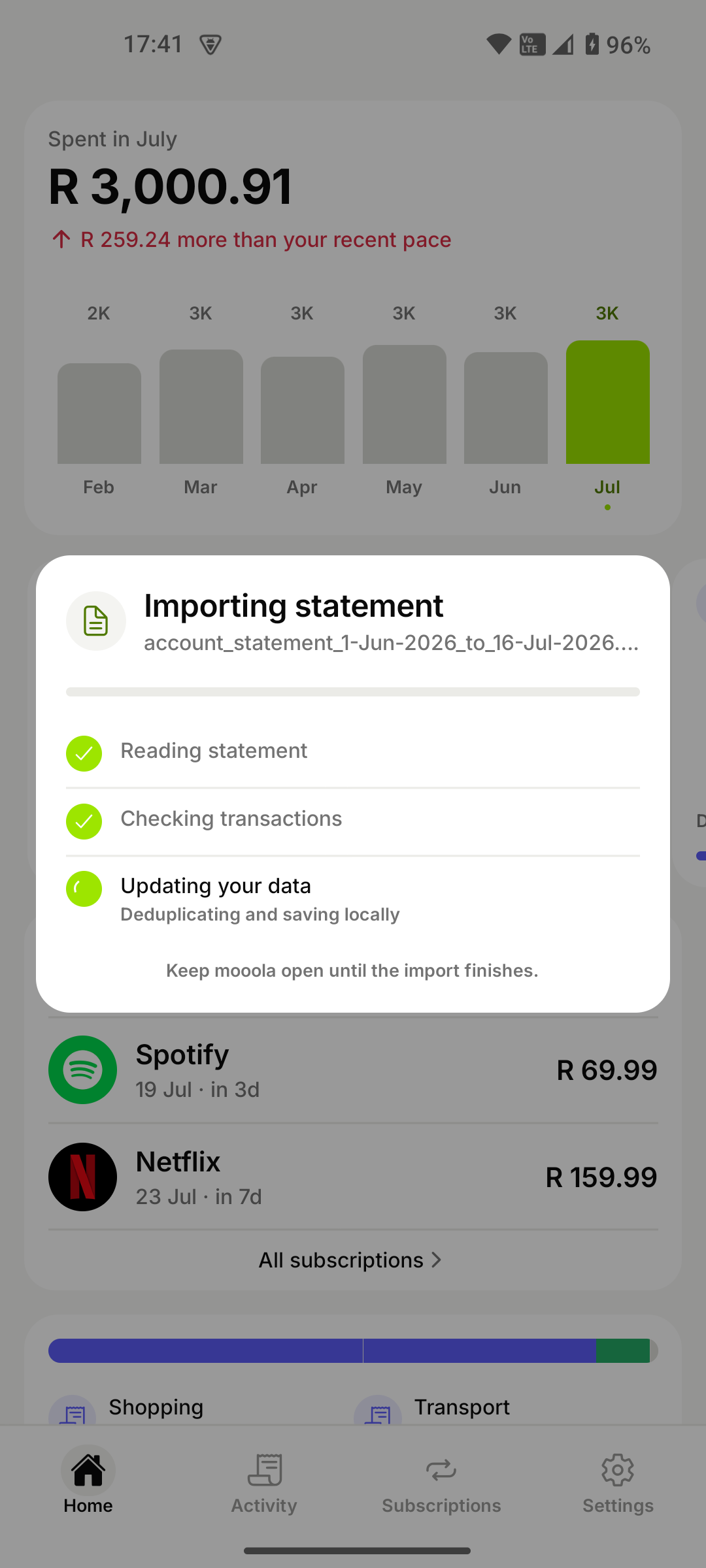
Let mooola process it on your device
mooola reads the statement, checks each transaction, removes duplicates, and updates your local data. Your statement and imported financial records are not uploaded to mooola for processing.
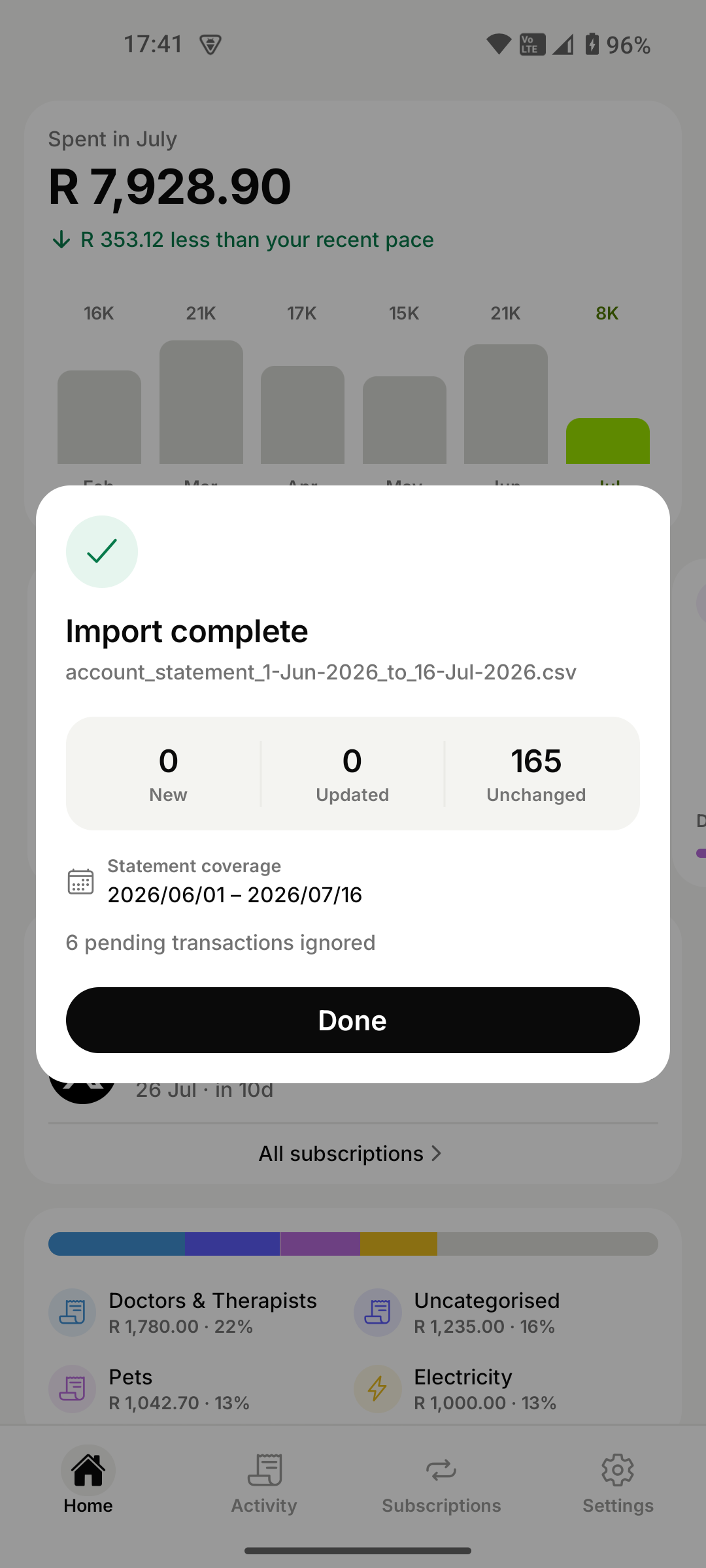
Start exploring
Review what was added or updated, tap Done, and explore your spending, subscriptions, recurring payments, and trends. You can import another supported statement whenever you want a more recent view.