 mooola
 Get it on Google Play
 Download on the App Store
State Bank of India
Early access for original digital PDF statements
Import original digital bank statement PDFs from India and review your spending privately. mooola reads the statement on your device without live bank connections or a cloud database of your transactions.
Early access for original digital PDF statements
Early access for original digital PDF statements
Early access for original digital PDF statements
Early access for original digital PDF statements
Early access for original digital PDF statements
Download the statement from your bank and keep the file unchanged. Scans and screenshots are not supported.
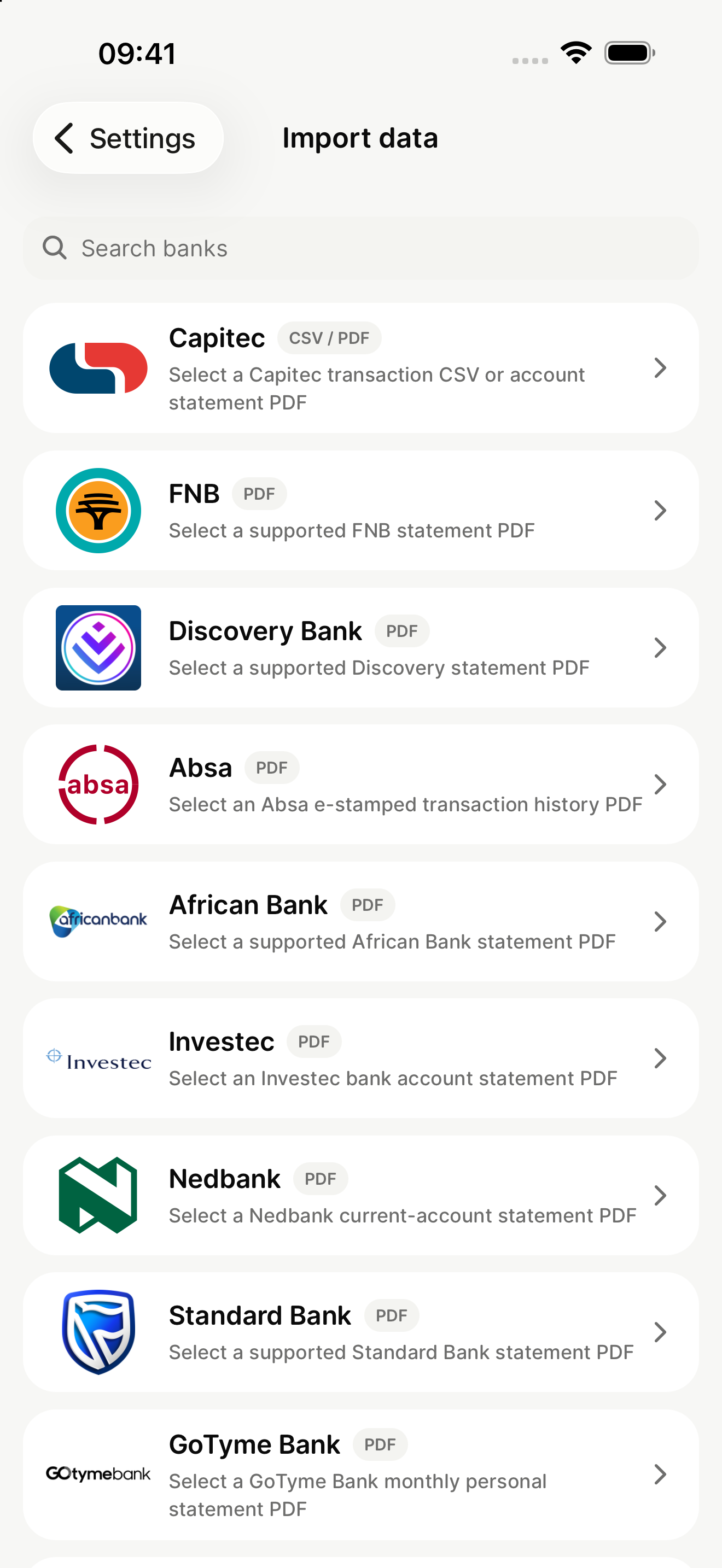
Select your bank in mooola, or Other bank if it is not listed, then choose the file. The app checks the statement before importing.
Compare the result with the original statement, then explore categories, accounts, recurring payments, and monthly activity on your device.
Never post or email a real statement. Use mooola’s opt-in, sanitised failure-reporting flow if a statement is not imported.