 mooola
 Get it on Google Play
 Download on the App Store
N26
Early access for selected English-language account-activity CSV exports
Read the N26 guideImport selected original bank CSV exports for Germany and review your spending privately. mooola processes the file on your device without live bank connections or a cloud database of your transactions.

Early access for selected English-language account-activity CSV exports
Read the N26 guideEarly access for selected multi-currency CSV statements
Read the Wise guideFollow the guide for your bank and keep the downloaded file unchanged.
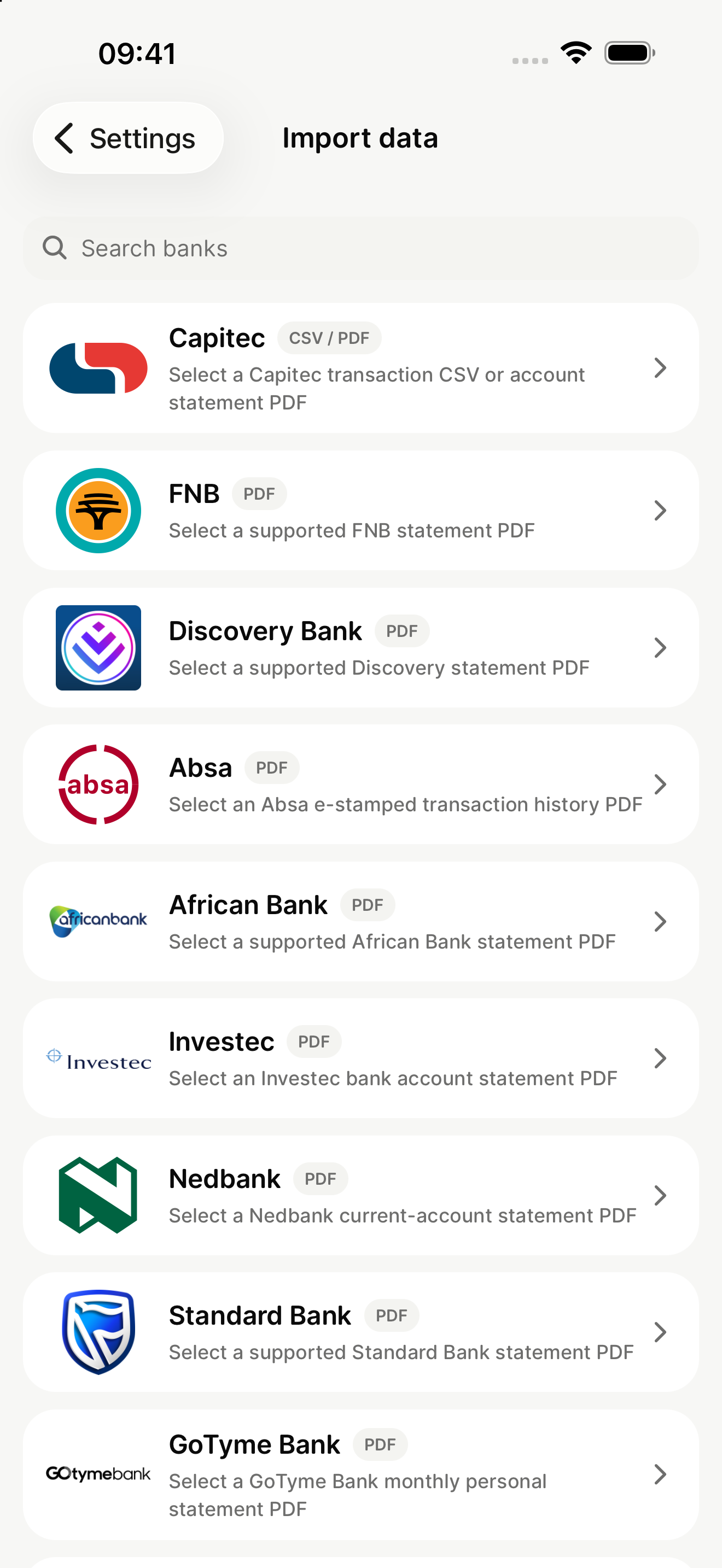
Select the matching bank in mooola. The app checks the CSV structure before importing transactions.
Compare the result with the original export, then explore categories, accounts, recurring payments, and monthly activity on your device.
Never post or email a real statement. Use mooola’s opt-in, sanitised failure-reporting flow if an early-access export is not recognised.